How Our File Converter Works
Our online file converter transforms documents between formats without software installation. Upload a file and our servers process it using industry-standard libraries. Formatting, fonts, and layout are preserved. The system analyzes your document structure and maps elements to the target format.
Convert files to PDF, transform Office documents, or work with images through one interface. Each tool is optimized for specific use cases: PDF to Word for editing, JPEG to PDF for archiving, Excel to PDF for sharing. The system selects the best conversion method for your formats.
File processing happens on our servers. Simply upload your document, choose the target format, and download the converted file. No registration, no complicated settings—just fast, accurate file conversion when you need it.
Why Use Our Online File Converter?
Traditional converter programs need installation and updates. They often limit formats or file sizes. Our browser-based converter works on any device: Windows, Mac, Linux, or mobile. No downloads or setup required. Convert files to JPG, PNG, or any format directly from your browser.
Online conversion offers flexibility desktop software can't match. Access tools from any computer. Collaborate across teams using different operating systems. No software licenses to manage. Single documents or batch files—consistent results every time.
Common Use Cases for File Conversion
Business professionals prepare documents for different audiences. Convert Word to PDF for universal viewing. Transform Excel to PDF while preserving formulas. Turn PowerPoint into PDF for distribution. Students convert between Office formats, extract images from PDFs, or combine documents for assignments.
Designers export images to PDF for print-ready portfolios. Convert PDF pages to JPEG or PNG for web use. Transform graphic formats for publishing platforms. PDF conversion locks formatting and ensures consistent appearance across applications.
Administrative tasks benefit from reliable file conversion. Digitize paperwork, archive scanned documents, standardize formats across your organization. Convert legacy RTF to DOCX. Format plain text files. Online tools simplify repetitive tasks without specialized knowledge.
Supported Formats and Technical Features
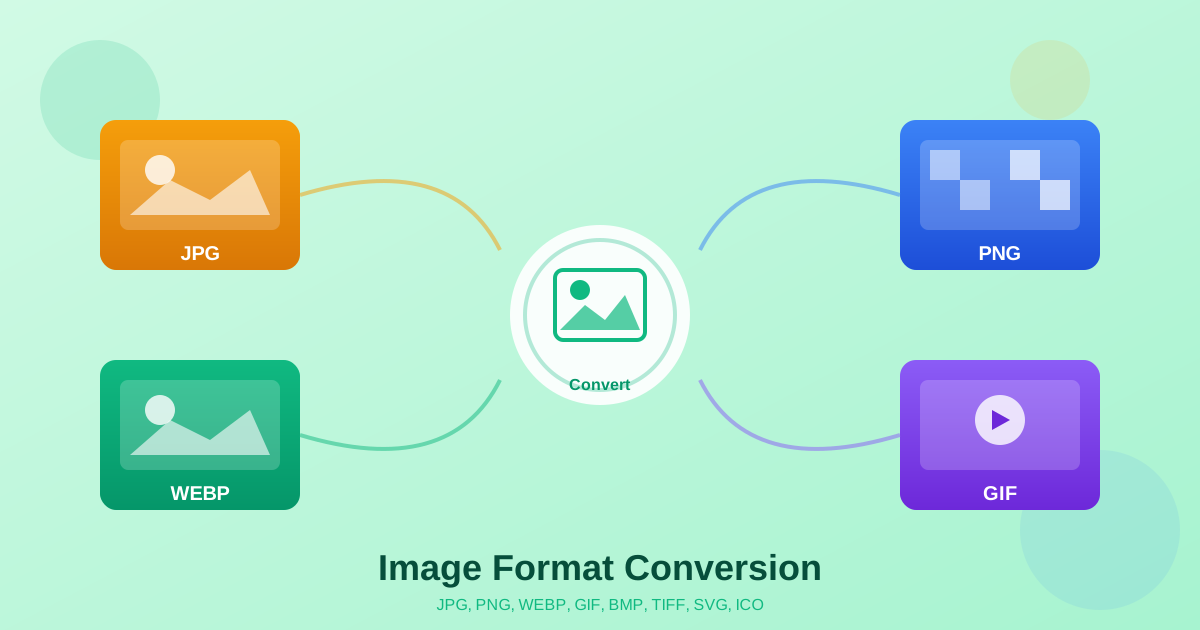
We support PDF, Microsoft Office (Word, Excel, PowerPoint), ODT, RTF, TXT, JPEG, and PNG. Each conversion preserves format-specific features: tables in spreadsheets, slide layouts, embedded fonts, image quality. Simple and complex transformations maintain document integrity.
Advanced features include multi-page PDF conversion and batch processing. Automatic image optimization handles embedded fonts and special characters. PDF conversion preserves hyperlinks, bookmarks, and metadata. PDF to Word uses OCR when needed for accurate text extraction.
Best Practices for File Conversion
For best results, start with the highest quality source file. Documents with standard fonts and clear formatting convert more accurately. Finalize your document before converting to PDF. Converting from PDF to editable formats may require minor layout adjustments.
Choose the right format for your need. Use PDF for sharing and archiving. Use DOCX for text editing. Use XLSX for data and formulas. Use JPEG or PNG for images. Reputable converters never ask for upfront payment or excessive permissions.
Frequently Asked Questions
What file formats can I convert?
Our file converter supports PDF, Word (DOC/DOCX), Excel (XLS/XLSX), PowerPoint (PPT/PPTX), images (JPEG, PNG), and text formats (TXT, RTF, ODT). You can convert between most common document, spreadsheet, presentation, and image formats.
Is the online file converter safe to use?
File processing runs on our servers over encrypted HTTPS connections, and your converted documents are made available for download straight away. Our privacy policy sets out what is kept and for how long.
Can I convert multiple files at once?
Currently, our file convert tools process one file per conversion session for optimal quality and speed. For bulk conversions, you can queue multiple conversion tasks sequentially.
Why would I use an online file converter instead of desktop software?
Online file converter tools require no installation, work on any device or operating system, and stay automatically updated. You can access conversion tools from anywhere without managing software licenses or dealing with compatibility issues across different computers.
What's the difference between converting to PDF and other formats?
Converting files to PDF creates a fixed-layout document ideal for sharing and archiving—PDFs display consistently across all devices. Converting from PDF to editable formats like Word or Excel allows you to modify content, but may require layout adjustments depending on the source document's complexity.
Supported formats
PDF Conversion Overview
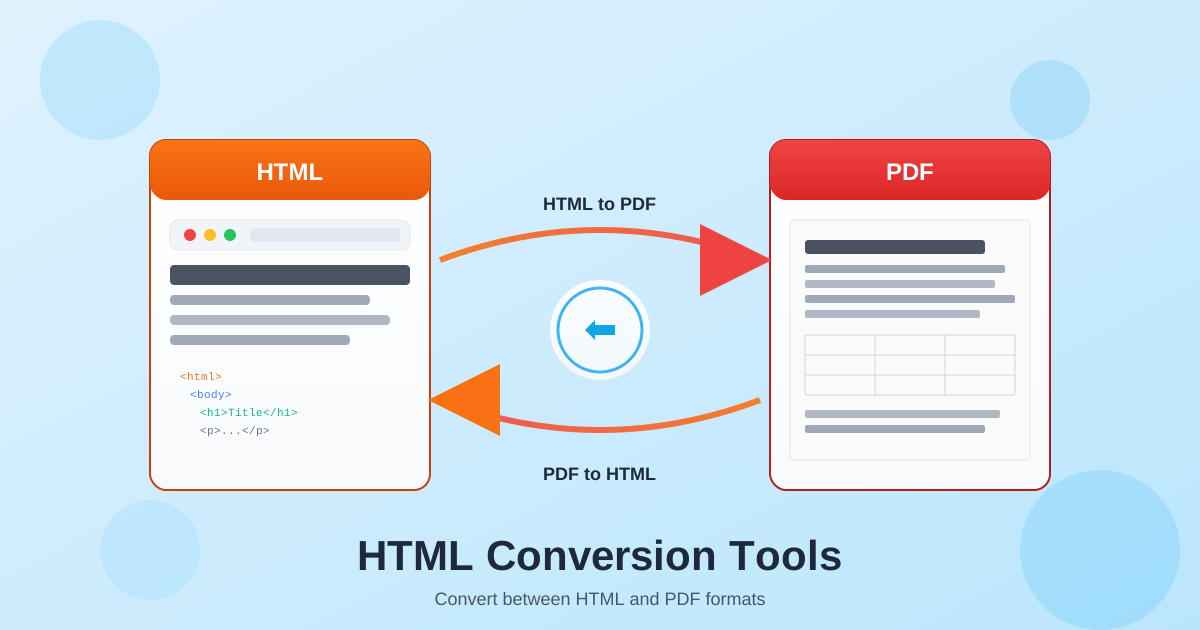
PDF (Portable Document Format) is the universal standard for document exchange. Convert PDF to Word for editing, to Excel for data extraction, to PowerPoint for presentations, or to images for web use. Our PDF tools handle both native PDFs (created from digital documents) and scanned PDFs (images of paper documents).
Converting from PDF requires different approaches depending on the source. Native PDFs contain embedded text and formatting that can be extracted directly. Scanned PDFs require OCR (Optical Character Recognition) to convert images of text into editable characters. Select the appropriate tool based on your PDF type.
Office Document Conversion Overview
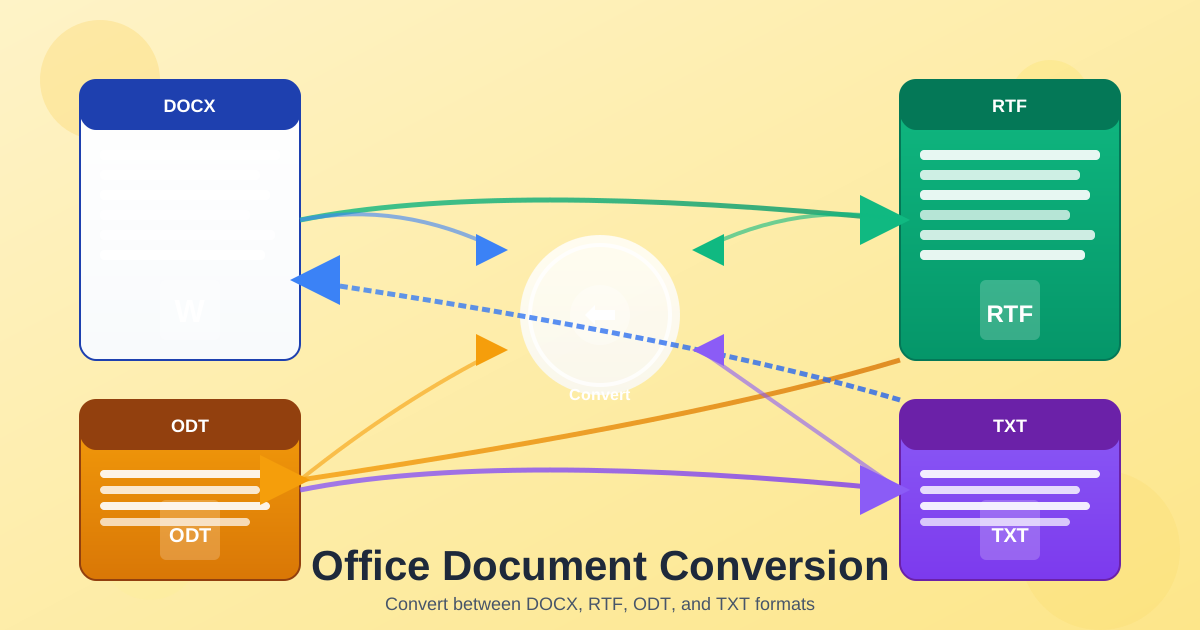
Office documents include Word (DOCX), Excel (XLSX), PowerPoint (PPTX), and alternative formats like ODT, RTF, and TXT. Convert between these formats to match software requirements, ensure compatibility, or simplify content for different uses. Office conversions typically preserve text and basic formatting well.
Converting to PDF creates fixed-layout documents that look identical on every device. Converting between editable formats (DOCX to ODT, RTF to DOCX) allows continued editing in different software. Plain text (TXT) conversion strips all formatting for maximum compatibility and data processing use cases.