How HTML Conversion Works
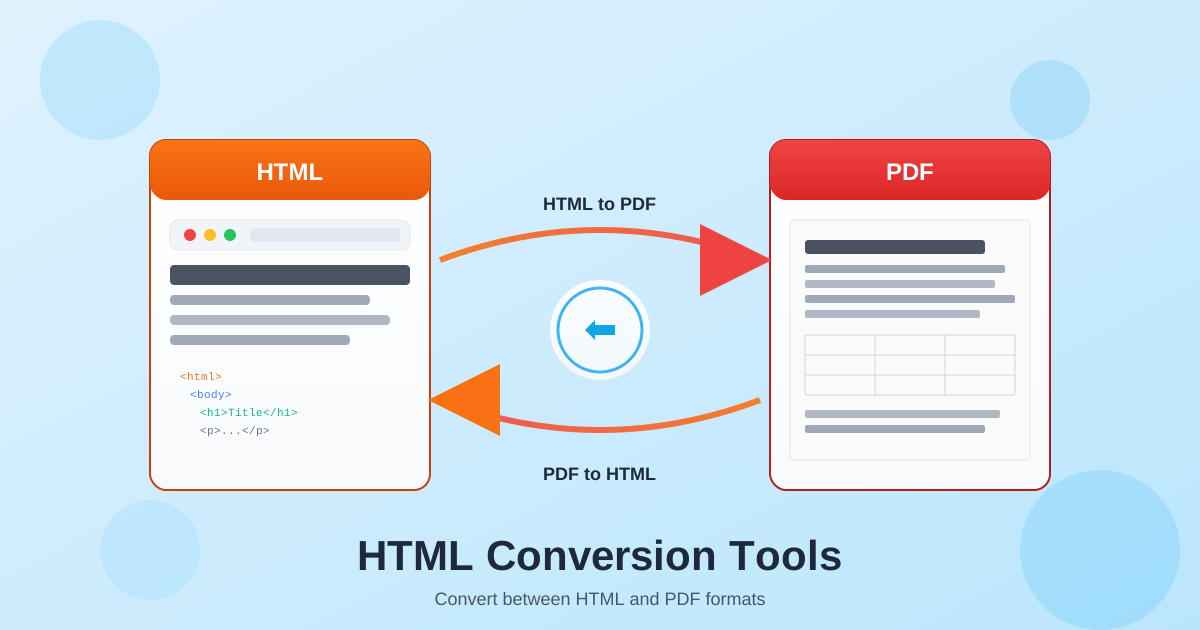
HTML (HyperText Markup Language) is the standard format for web content. Converting between HTML and PDF bridges web and document workflows. HTML to PDF captures web pages as fixed-layout documents for printing, archiving, or offline distribution. PDF to HTML extracts content for web publishing, making document text searchable and accessible in browsers.
HTML to PDF conversion renders web content with CSS styling, then captures it as a PDF. This preserves fonts, colors, images, and layout as they appear in browsers. PDF to HTML conversion analyzes PDF structure and generates semantic HTML5 markup with CSS styling, creating web-ready content from static documents.
Why Convert Between HTML and PDF?
HTML excels for interactive web content that adapts to different screen sizes. PDF excels for fixed-layout documents that look identical everywhere. Converting between these formats lets you use the right format for each purpose—HTML for web publishing, PDF for printing and archival.
Web developers convert HTML templates to PDF for invoices, reports, and certificates. Content managers convert PDF documents to HTML for website integration. Publishers transform print PDFs to web-accessible HTML. Each conversion direction solves different workflow challenges.
Common Use Cases for HTML Conversion
Businesses generate PDF invoices, contracts, and reports from HTML templates. E-commerce platforms create order confirmations and shipping labels. SaaS applications produce user reports and statements. The HTML-to-PDF workflow enables dynamic document generation from web applications.
Publishers convert legacy PDF archives to HTML for online access. Government agencies make regulations and forms accessible on the web. Researchers archive web articles as PDFs for permanent citation records. Libraries digitize PDF collections into searchable HTML content.
Marketing teams capture landing pages as PDFs for offline presentations. Legal departments archive website terms and policies. Training organizations create printable materials from online courses. Any workflow requiring content in both web and document formats benefits from HTML conversion tools.
Technical Aspects of HTML Conversion
HTML to PDF converters render web content using browser-like engines that process HTML5, CSS3, and JavaScript. Output PDF files embed fonts and images for consistent display. Page sizing, margins, and headers/footers can be configured for professional document output.
PDF to HTML conversion analyzes PDF text streams, fonts, and positioning to generate semantic HTML markup. Tables become HTML table elements, paragraphs become p tags, and headings get appropriate h1-h6 tags. CSS styling approximates the original PDF appearance while keeping content editable and accessible.
Best Practices for HTML Conversion
For HTML to PDF: use web-safe fonts, test rendering across browsers, and configure page settings before conversion. Ensure all images are accessible and CSS is fully loaded. Consider print stylesheets for better PDF output from web pages.
For PDF to HTML: start with native PDFs rather than scanned documents. OCR scanned PDFs first if text extraction is needed. Review converted HTML for semantic accuracy and adjust as needed for your website's styling.