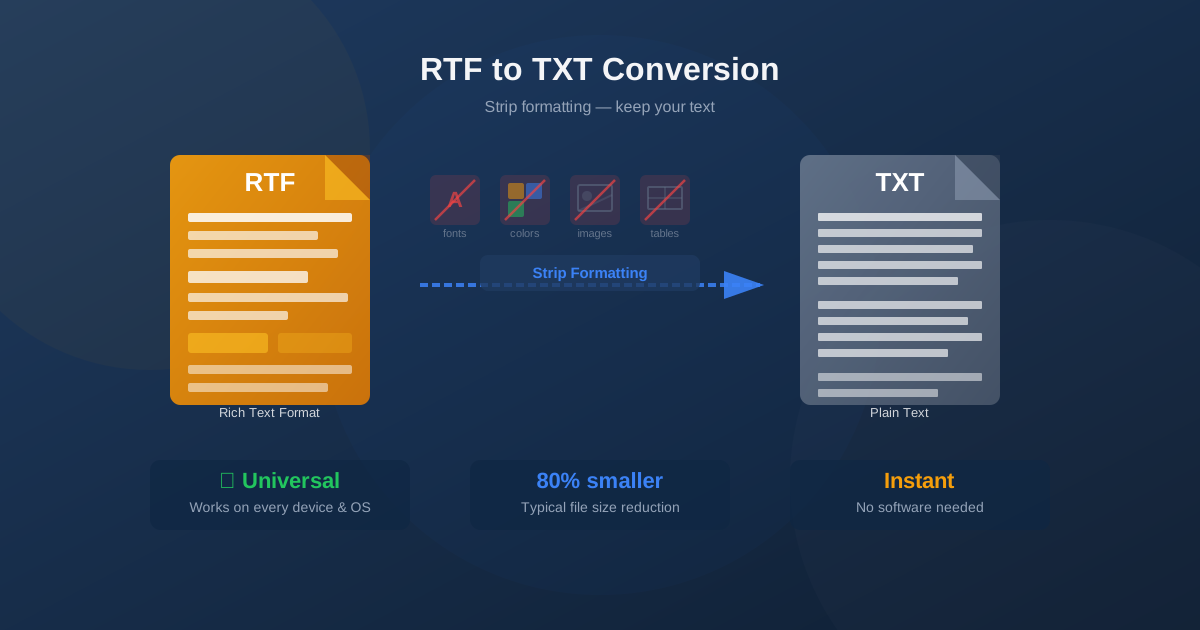
RTF (Rich Text Format) files contain text wrapped in formatting instructions — fonts, colors, bold, tables, and embedded objects. Converting RTF to TXT strips all of that away, leaving pure plain text. This guide explains when and why to make that conversion, what you gain, what you lose, and how to do it in seconds without installing any software.
What Is RTF Format?
Rich Text Format was created by Microsoft in 1987 as a cross-platform document exchange format. Unlike DOCX, which is a modern XML-based format, RTF stores formatting using plain-text control codes — sequences like \b for bold and \fs24 for font size. This makes RTF files readable without special software, but the control codes make them much larger than plain text.
RTF is supported by virtually every word processor ever made — Microsoft Word, WordPad, LibreOffice, Google Docs, and countless others. It was the default format for WordPad on Windows for decades. Despite its age, RTF remains common in legal documents, email attachments, and legacy systems.
A typical RTF file begins with {\rtf1 followed by font tables, color tables, and stylesheet definitions — all before a single word of content.
These definitions can take up more space than the actual document text, which is why RTF files are significantly larger than equivalent TXT files.
What Is TXT Format?
Plain text (TXT) is the simplest file format: nothing but characters and line breaks. No fonts, no colors, no bold, no images — just the raw text content.
TXT files are universally readable on every device, operating system, and application that handles text at all. They are also tiny: a 500KB RTF file often becomes a 50–100KB TXT file after conversion.
Modern TXT files use UTF-8 encoding, which supports every language and script in Unicode — Latin, Cyrillic, Chinese, Arabic, and more. UTF-8 has replaced older encodings like ASCII and ISO-8859-1 as the universal standard for plain text.
What Gets Removed When Converting RTF to TXT
Understanding what is lost helps you decide whether plain text is the right output format for your use case:
- Fonts and typography — font names, sizes, bold, italic, underline, strikethrough
- Colors — text color, background color, highlight color
- Paragraph formatting — alignment (center, right, justify), indentation, line spacing
- Images and graphics — embedded pictures, logos, diagrams are removed entirely
- Tables — the visual grid is lost; cell text is extracted as plain lines
- Lists — bullet symbols and numbering disappear; list items become plain paragraphs
- Headers and footers — these typically merge into the main text flow
- Hyperlinks — link text is preserved but the URL target is lost
- Page layout — margins, columns, page breaks, section formatting
- Metadata — author, creation date, revision history, comments What is preserved: every word of text, paragraph breaks, and line breaks. The semantic content of your document survives intact; only its visual presentation is discarded.
How to Convert RTF to TXT Online
Converting RTF to plain text takes three steps:
- Open the converter. Go to the RTF to TXT converter and click the upload area or drag your RTF file onto it.
- Upload your file. Select your .rtf file from your device. The conversion starts automatically after upload.
- Download the result. When conversion completes, click the download button to save your .txt file. The entire process typically takes under five seconds.
No account, no subscription, no software installation. The conversion runs on our servers and the result is delivered directly to your browser.
When to Convert RTF to TXT
Data Extraction and Processing
The most common reason to convert RTF to TXT is to extract content for automated processing. Scripts, databases, search indexes, and text analysis tools almost always expect plain text input. When you have RTF files containing reports, contracts, or correspondence, converting them to TXT makes the content accessible to grep, Python string processing, regular expressions, and data pipelines without any parsing complexity.
Code Repositories and Version Control
Git and other version control systems work best with plain text. Diff views, blame annotations, and merge tools are designed for line-based text comparison.
RTF files appear as binary blobs — Git cannot show meaningful diffs between versions. Converting documentation or specifications from RTF to TXT (or Markdown) makes them version-control friendly with readable history.
Email and Plain-Text Messages
Many email clients and messaging systems accept plain text only, or display RTF as an attachment rather than inline content. Converting RTF to TXT lets you paste document content directly into messages, forms, or systems that don't accept rich formatting.
Archiving and Long-Term Storage
TXT files are the most future-proof format for text content. They will be readable in 50 years by any text editor. RTF, while old and widely supported, depends on software understanding its control codes. For archiving large collections of documents where only the text content matters, TXT provides guaranteed long-term accessibility with minimal storage requirements.
Privacy and Metadata Removal
RTF files can contain hidden metadata: author names, creation and modification dates, revision history, and comments. Converting to TXT strips all of this, leaving only the visible text content. This is useful when sharing documents externally where the metadata could reveal sensitive information about authors or editing history.
When NOT to Convert RTF to TXT
Plain text is not always the right choice. Avoid converting to TXT when:
- Formatting matters for reading. If your document uses headings, bold emphasis, or numbered lists to communicate structure, that structure disappears in TXT. Readers may find a wall of unformatted text harder to understand.
- You need images or tables. Images and charts are simply gone in TXT. Complex tables become garbled text. If visual elements are essential, convert to DOCX or PDF instead.
- You need to edit and share professionally. For documents that will be edited in Word or shared in business contexts, convert to DOCX rather than TXT to preserve formatting capabilities.
- Legal or compliance requirements. Some industries require documents in specific formats with formatting preserved for audit purposes. Verify requirements before stripping formatting.
RTF vs TXT: Side-by-Side Comparison
| Feature | RTF | TXT |
|---|---|---|
| Formatting | Full (fonts, colors, bold, italic) | None |
| Images | Supported (embedded) | Not supported |
| Tables | Full table support | Text only (no grid) |
| File size | Large (formatting overhead) | Very small |
| Compatibility | Word processors | Every application |
| Script-friendly | Requires RTF parser | Native string operations |
| Version control | Poor (binary-like diffs) | Excellent (line diffs) |
| Long-term archiving | Good (widely supported) | Excellent (eternal) |
Handling Tables and Special Content
Tables are the most common source of messy output when converting RTF to TXT.
The converter attempts to preserve column alignment using tabs or spaces, but complex multi-column layouts rarely look clean in plain text. Here are practical strategies:
- Simple two-column tables often convert acceptably with tab separation. Open in a text editor with a monospace font to verify.
- Data tables (numbers, statistics) are better exported to CSV if the data needs to stay structured.
- Complex layout tables (used for visual positioning) produce the worst results. If the table is purely decorative, the extracted text may still be usable.
- After conversion, open the TXT in a text editor and manually clean up table areas if needed. For long documents, consider extracting just the sections you need.
Alternative Conversions to Consider
Depending on your goal, a different output format might serve you better:
- RTF to DOCX — preserves formatting and converts to the modern Word format for editing
- RTF to ODT — open-source format for LibreOffice and OpenOffice users
- DOCX to TXT — extract plain text from modern Word documents
- TXT to DOCX — go the other direction: add Word formatting to plain text
Conclusion
Converting RTF to TXT is the right choice when you need maximum compatibility, minimal file size, or text ready for automated processing. The conversion is one-way and irreversible in terms of formatting — keep your original RTF if visual presentation matters. For purely text-based workflows — scripts, data pipelines, version control, archiving — plain text is the most reliable and portable format available.
Use the RTF to TXT converter to convert your files instantly in your browser, with no software installation required.