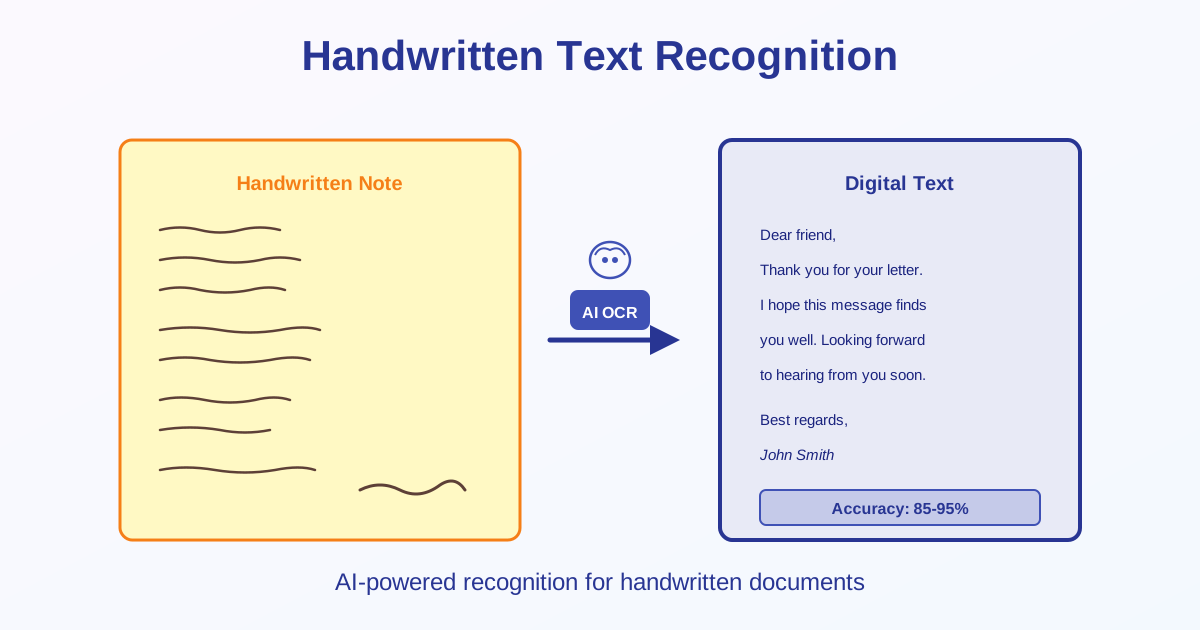
Handwritten text recognition (HTR) uses AI-powered OCR to convert handwritten notes, forms, and letters to digital text. Accuracy ranges from 50-95% depending on handwriting legibility. This guide covers what works, what doesn't, and how to get the best results from handwriting OCR.
Handwriting Recognition vs Printed Text OCR
| Feature | Printed Text OCR | Handwriting OCR |
|---|---|---|
| Accuracy | 95-99% | 50-95% |
| Consistency | Very consistent | Varies by writer |
| Processing time | Fast | Slower (more complex) |
| Requires review | Minimal | Extensive |
Accuracy by Handwriting Type
Block Letters (Printed Handwriting)
- Accuracy: 85-95%
- Best case: Large, well-spaced, dark ink
- Use for: Forms, labels, short notes
Cursive Writing
- Accuracy: 50-80%
- Challenge: Connected letters, varied styles
- Better for: Manual transcription if accuracy critical
Messy or Personal Handwriting
- Accuracy: 30-60%
- Reality check: OCR may not be worth it—too many errors
- Alternative: Type manually for better results
Numbers and Forms
- Accuracy: 90-98% (numbers have fewer shapes)
- Best for: Filled forms, ID numbers, dates
- Watch for: 0/O, 5/S, 1/l confusions
When to Use Handwriting OCR
Good Use Cases
- Filled forms with printed block letters
- Short handwritten notes (1-2 pages) with clear writing
- Extracting specific data (names, numbers, dates)
- Historical documents where manual transcription is expensive
- Digitizing large volumes of handwritten records
Poor Use Cases (Better Alternatives)
- Personal diary with cursive writing → Type manually
- Doctor's prescription notes → Extremely poor accuracy, use specialized medical OCR
- Quick sketches with text → Text mixed with drawings confuses OCR
- Faded pencil on lined paper → Low contrast, hard to read even for humans
How to Improve Handwriting OCR Accuracy
Writing Guidelines
If you're creating documents for future OCR:
- Use block letters: Print clearly instead of cursive
- Write larger: Minimum 12pt equivalent size
- Space letters: Don't connect letters, leave gaps
- Dark ink: Black or dark blue ballpoint/gel pen
- White paper: High contrast background
- Lined paper: Keeps writing straight
- Consistent shapes: Write letters the same way each time
Scanning/Photographing Tips
- Scan at 300+ DPI (600 DPI for small handwriting)
- Use grayscale mode
- Ensure even lighting (no shadows)
- Photograph straight-on (not at an angle)
- Flatten pages completely
- Increase contrast if ink is faded
How Handwriting OCR Works
- Image preprocessing: Enhance contrast, remove noise
- Line detection: Identify individual text lines
- Word segmentation: Separate words (harder for cursive)
- Character recognition: AI analyzes letter shapes
- Context analysis: Use language models to correct obvious errors
- Output generation: Produce digital text
Common Recognition Errors
Letter Confusions
| Written Letter | Often Misread As |
|---|---|
| a | o, u |
| e | c, o |
| l (lowercase L) | I (uppercase i), 1 (one) |
| u | v, n |
| rn | m |
Number Confusions
- 0 (zero) ↔ O (letter)
- 1 (one) ↔ l (lowercase L) or I (uppercase i)
- 5 (five) ↔ S (letter)
- 8 (eight) ↔ B (letter)
After OCR: Review Process
What to Check
- Proper nouns: Names, places (often misrecognized)
- Numbers: Critical data like phone numbers, addresses
- Similar letters: Review a/o, u/v, rn/m
- Context: Does the sentence make sense?
- Formatting: Paragraph breaks, line breaks
Expected Correction Time
- Clear block letters: 5-10% of typing time
- Cursive writing: 30-50% of typing time
- Messy handwriting: May take as long as typing from scratch
Specialized Tools vs General OCR
When to Use Specialized Tools
Some scenarios benefit from purpose-built tools:
- Personal notes: OneNote, Apple Notes (adapt to your handwriting)
- Historical documents: Transkribus (trained on old handwriting styles)
- Forms: ABBYY FineReader (specialized for structured data)
- Medical records: Medical-specific OCR (understands terminology)
General OCR Tools
Use for:
- Occasional handwriting recognition needs
- Clear, printed handwriting
- Mixed documents (printed + handwritten)
Handwriting vs Typing: When to Skip OCR
OCR isn't always the best solution:
Type Manually When:
- Very short text (under 100 words)
- Cursive or messy handwriting (correction takes longer than typing)
- Critical accuracy required (contracts, legal documents)
- Mixed content (text + diagrams + annotations)
Use OCR When:
- Large volumes (100+ pages)
- Clear block letter handwriting
- Minor errors acceptable (can review/correct)
- Extracting specific data (names, dates, numbers from forms)
Future of Handwriting Recognition
AI improvements are making handwriting OCR better:
- Deep learning models trained on millions of handwriting samples
- Context-aware recognition (understands words in context)
- Writer-specific models (adapt to individual styles)
- Real-time recognition (live transcription as you write) Current accuracy: 50-95%. Future expectation: 85-98% for most handwriting.
Related Topics
- Image to Text OCR Guide — OCR fundamentals and printed text recognition
- OCR Accuracy Tips — Improve recognition results
- Image to Text Tool — Extract text from handwritten images
Conclusion
Handwriting recognition achieves 50-95% accuracy depending on legibility.
Block letters work best (85-95%), cursive is challenging (50-80%), and messy handwriting often fails (30-60%). Use dark ink on white paper, write larger than normal, space letters apart, and scan at 300+ DPI. Always review and correct OCR output—expect errors in proper nouns and numbers. For critical documents or very short texts, manual typing may be faster and more accurate than OCR + correction. Best use cases: forms with block letters, large volumes of clear handwriting, and extracting specific data points.