Полное управление PDF документами
PDF (Portable Document Format) остаётся универсальным стандартом для обмена документами. Если вам нужно объединить отчёты, извлечь определённые страницы, уменьшить размер файла для email или быстро отредактировать — наши PDF-инструменты справятся со всем. Каждый инструмент предназначен для конкретной задачи.
Нашему набору инструментов для PDF не нужна установка программ — откройте инструмент, загрузите файлы, внесите правки и скачайте результат. Готовите документы к встрече, наводите порядок в проектных файлах или оптимизируете PDF для публикации — нужный инструмент найдётся здесь.
Редактирование PDF онлайн
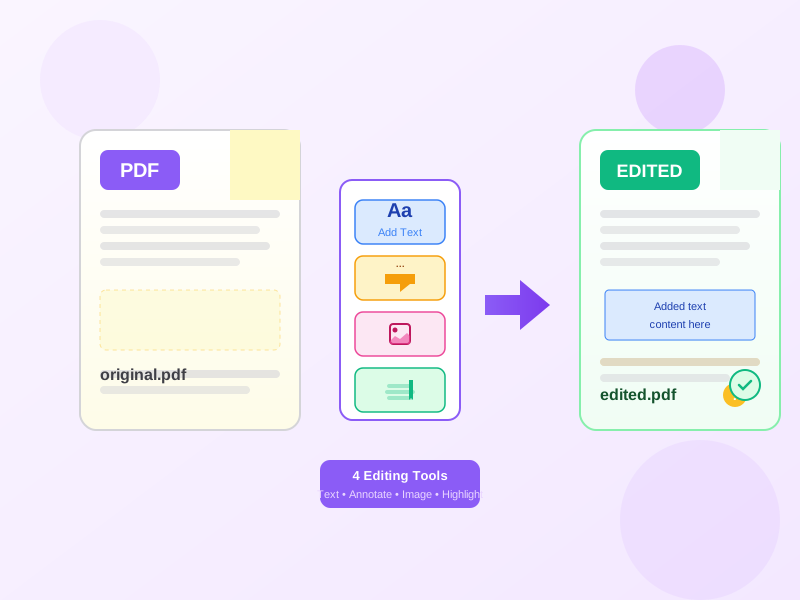
PDF-редактор позволяет изменять содержимое PDF напрямую. Добавляйте аннотации, выделяйте важные разделы, рисуйте фигуры и добавляйте подписи без конвертации.
Для серьёзного редактирования текста рекомендуем сначала конвертировать в Word, внести изменения, затем конвертировать обратно в PDF.
Объединение и разделение PDF
Объединяйте несколько PDF-файлов в один документ. Перетащите файлы в нужном порядке и скачайте объединённый результат.
Split PDF извлекает конкретные страницы или диапазоны из большого документа. Также можно разделить каждую страницу в отдельные файлы.
Оптимизация размера PDF
Compress PDF уменьшает размер файла, сохраняя читаемое качество. Выбирайте уровень сжатия в зависимости от баланса между размером и качеством.
Отсканированные документы показывают наиболее впечатляющее уменьшение, часто сжимаясь до 10-20% от исходного размера.
Типичные сценарии использования PDF
Подготовка отчётов: Объедините отдельные разделы в полный документ, добавьте титульную страницу, затем сожмите для распространения. Деловые контракты: Редактируйте PDF для добавления подписей и аннотаций, разделите для извлечения нужных страниц.
Учебная работа: Разделите большие учебники для извлечения нужных глав, объедините исследовательские работы с вашими заметками. Поиск работы: Объедините резюме, сопроводительное письмо и портфолио в один профессиональный PDF. Планирование мероприятий: Объедините приглашения, расписания и карты в полные пакеты.
Преимущества формата PDF
PDF-документы сохраняют форматирование на всех устройствах и операционных системах. В отличие от Word-документов, которые могут отображаться по-разному на разных компьютерах, PDF всегда выглядит именно так, как задумано.
PDF может содержать текст, изображения, векторную графику, шрифты и интерактивные элементы в одном файле. Они компактны, но богаты функциями: закладки, гиперссылки, поля форм и мультимедиа. Наши инструменты помогают работать со всеми этими возможностями.
Начало работы с PDF-инструментами
Каждый инструмент на этой странице разработан для простоты использования. Выберите инструмент, загрузите файл(ы), настройте параметры и скачайте результат. Регистрация не требуется для базового использования.
Начните с инструмента, который соответствует вашей текущей задаче. Раздел FAQ ниже содержит рекомендации для типичных сценариев. Compress PDF полезен для email-вложений, Merge PDF для сборки отчётов, Split PDF для извлечения контента.