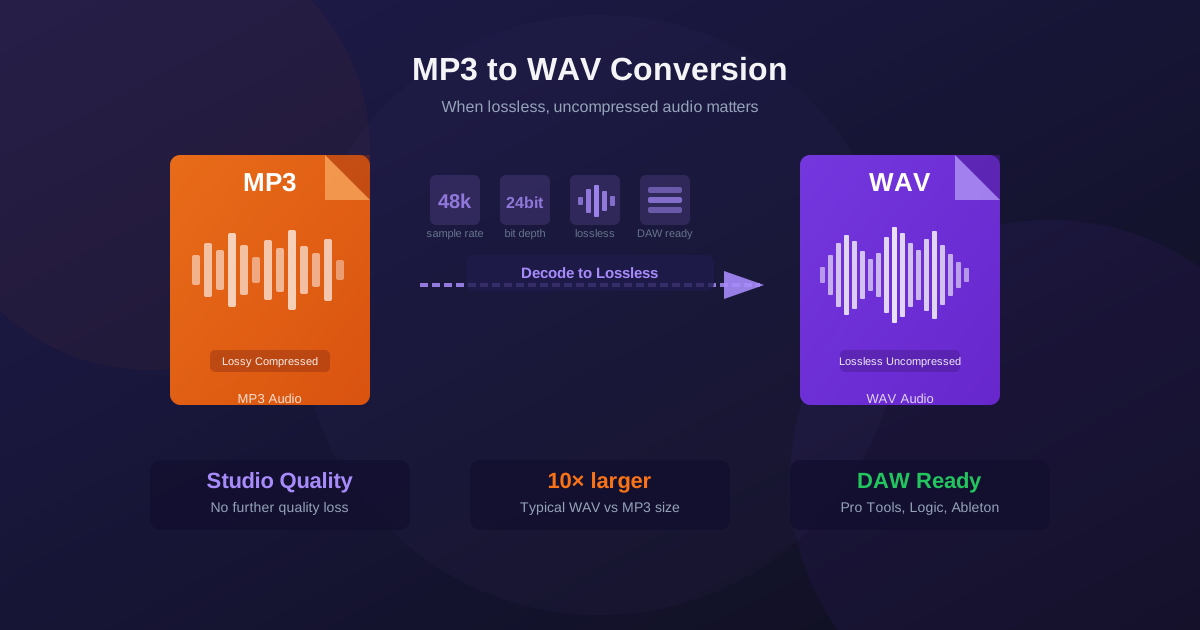
MP3 is the world's most common audio format — small, portable, and supported everywhere. WAV is the professional audio standard — large, uncompressed, and required by recording studios, broadcast systems, and hardware samplers. Understanding when to convert between them prevents quality mistakes and workflow problems. This guide explains the difference, when the conversion makes sense, and what to expect from the output.
MP3 vs WAV: The Core Difference
The fundamental difference between MP3 and WAV comes down to one word:
compression. MP3 uses lossy compression — it analyzes audio and permanently discards data the human ear is unlikely to notice, reducing file size by up to 90%. WAV stores audio as uncompressed PCM (Pulse Code Modulation) — every sample of the original recording is stored at full resolution.
This means a three-minute song might be 3–5 MB as an MP3 (at 128–192 kbps) but 30–50 MB as a WAV file at CD quality (44100 Hz, 16-bit stereo). The WAV contains more data, but that data is identical to the original recording — no quality was traded away for size.
The Critical Fact: Converting MP3 to WAV Does Not Restore Quality
This is the most important thing to understand before converting: when an MP3 was created, audio data was permanently discarded. Converting that MP3 to WAV does not recover that data. You get a larger file with exactly the same audio content as the MP3 — not better audio.
Think of it like upscaling a low-resolution image: the pixel count increases, but the detail is not restored. The WAV output of an MP3 conversion has a larger file size but the same audio ceiling as the source MP3. The quality was fixed when the MP3 was first encoded.
So why convert at all? Because the value of WAV is not better quality — it is compatibility, editability, and workflow requirements.
When to Convert MP3 to WAV
DAW and Audio Editing Software
Digital Audio Workstations like Pro Tools, Logic Pro, Ableton Live, FL Studio, and Reaper work best with uncompressed audio. While most modern DAWs can import MP3, working with PCM audio avoids re-encoding artifacts when you process, mix, and export. If your audio chain requires WAV input — for example, a session template or a plugin that only accepts PCM — converting MP3 to WAV is the necessary first step.
Hardware Samplers and DJ Controllers
Many hardware samplers, MIDI controllers, and DJ systems only read WAV or AIFF from USB drives or SD cards. Older Akai MPC units, Roland SP-series samplers, and some Pioneer DJ equipment fall into this category. Converting your MP3 library to WAV is required to load tracks into these devices, regardless of any quality implications.
Broadcasting and Streaming Ingest
Radio stations, broadcast automation systems, and some streaming platforms require WAV input for their ingest pipelines. Submission requirements for music libraries, sync licensing, and TV/film often specify WAV at specific sample rates (44.1 kHz or 48 kHz) and bit depths (16-bit or 24-bit). Converting your MP3 deliverable to WAV meets the technical specification even if the source audio was originally recorded from a lossless master.
Software Compatibility
Some older or specialized software does not include an MP3 decoder, either because of historical codec licensing costs (MP3 patents expired in 2017, but many older tools predate that) or because the application targets professional audio workflows where PCM is assumed. Game engines, video editing tools, and telephony systems sometimes fall into this category.
Avoiding Re-encoding Artifacts
Every time you encode audio with a lossy codec, quality degrades slightly. If you have an MP3 and need to mix it, process it, and then export the result as MP3 again, you are encoding lossy audio a second time — each pass introduces more artifacts. Converting to WAV first, editing in the lossless domain, and then encoding once at the end minimizes cumulative quality loss in post-production workflows.
When NOT to Convert MP3 to WAV
- If file size is a concern. WAV files are 10× larger than equivalent MP3 files. For a music library, podcast archive, or phone storage, WAV is impractical.
- If you expect better audio quality. The MP3 lossy compression cannot be undone. A higher bit depth or sample rate in the WAV output does not recover discarded audio data.
- For streaming and online playback. All major streaming platforms (Spotify, Apple Music, YouTube) transcode to their own formats. Uploading WAV vs MP3 makes no difference to listeners; the platform encodes at its own bitrate anyway.
- For casual listening. If you're playing audio through earbuds or laptop speakers, MP3 at 192 kbps or higher is perceptually indistinguishable from WAV. The conversion adds size with no audible benefit.
How to Convert MP3 to WAV Online
- Open the converter. Go to the MP3 to WAV converter and click the upload area or drag your MP3 file onto it.
- Upload your file. Select the .mp3 file from your device. Conversion starts automatically after upload.
- Download the WAV. When the conversion completes — usually in under ten seconds — download your .wav file. The output is a standard PCM WAV compatible with all audio software and hardware.
No software installation, no account required. Works on Windows, Mac, Linux, and mobile devices.
MP3 vs WAV Technical Comparison
| Property | MP3 | WAV |
|---|---|---|
| Compression | Lossy | None (uncompressed PCM) |
| File size (3 min track) | ~3–5 MB | ~30–50 MB |
| Audio quality | Good (imperceptible at ≥192 kbps) | Exact original recording |
| DAW compatibility | Variable (usually OK) | Universal |
| Hardware sampler support | Often not supported | Universal |
| Re-encoding loss | Degrades each pass | None (lossless) |
| Best for | Distribution, streaming, storage | Editing, production, broadcast |
WAV vs FLAC: Which Lossless Format to Choose
If you need lossless audio but file size matters, FLAC (Free Lossless Audio Codec) is an alternative to WAV. Both are lossless — they store all audio data without quality loss. The difference is that FLAC uses lossless compression to reduce file size by 40–60% compared to WAV, while maintaining bit-perfect audio.
Choose WAV when:
- Hardware or software requires WAV specifically
- Maximum compatibility with older systems is needed
- Broadcast or professional audio workflows mandate WAV Choose FLAC when:
- Storage efficiency matters and your software supports FLAC
- Archiving a music collection in lossless quality
- Streaming lossless audio (Tidal, Apple Music Lossless, Qobuz)
Best Practices for Audio Conversion
Follow these principles for the best results:
- Start with the highest quality source available. If you have an original WAV or FLAC master, always convert from that. Only convert from MP3 when the MP3 is the only version you have.
- Keep the original MP3. After converting to WAV, keep your source MP3. If something goes wrong with the WAV or you need a smaller version later, you still have the original.
- Match the sample rate to your project. Most music uses 44100 Hz (CD standard). Video production typically uses 48000 Hz. If your DAW project is set to 48 kHz, ensure your WAV files match to avoid sample rate conversion.
- Encode to MP3 only once at the end. In a production workflow, work in WAV throughout and create the final MP3 as the last step before distribution. Never encode MP3 to WAV to MP3 — the double encoding degrades quality further.
Related Audio Conversions
- WAV to MP3 — compress lossless WAV to a smaller, shareable MP3 file
- MP3 to OGG — convert to the open-source Ogg Vorbis format for web and gaming
- MP3 to FLAC — decode to lossless FLAC with smaller file size than WAV
Conclusion
Converting MP3 to WAV makes sense in specific, well-defined scenarios:
DAW editing, hardware sampler loading, broadcast ingest, and software compatibility. It does not improve audio quality — the MP3 compression is permanent — but it unlocks the format compatibility and editing workflow benefits that WAV provides. When you need WAV, the conversion is straightforward and delivers a fully compatible output in seconds.
Use the MP3 to WAV converter to get a lossless-format WAV file from any MP3 instantly in your browser, with no software required.